


OPERATIONAL EFFICIENCY · DOCK & DOOR MONITORING
See what happens at each door without walking the yard.
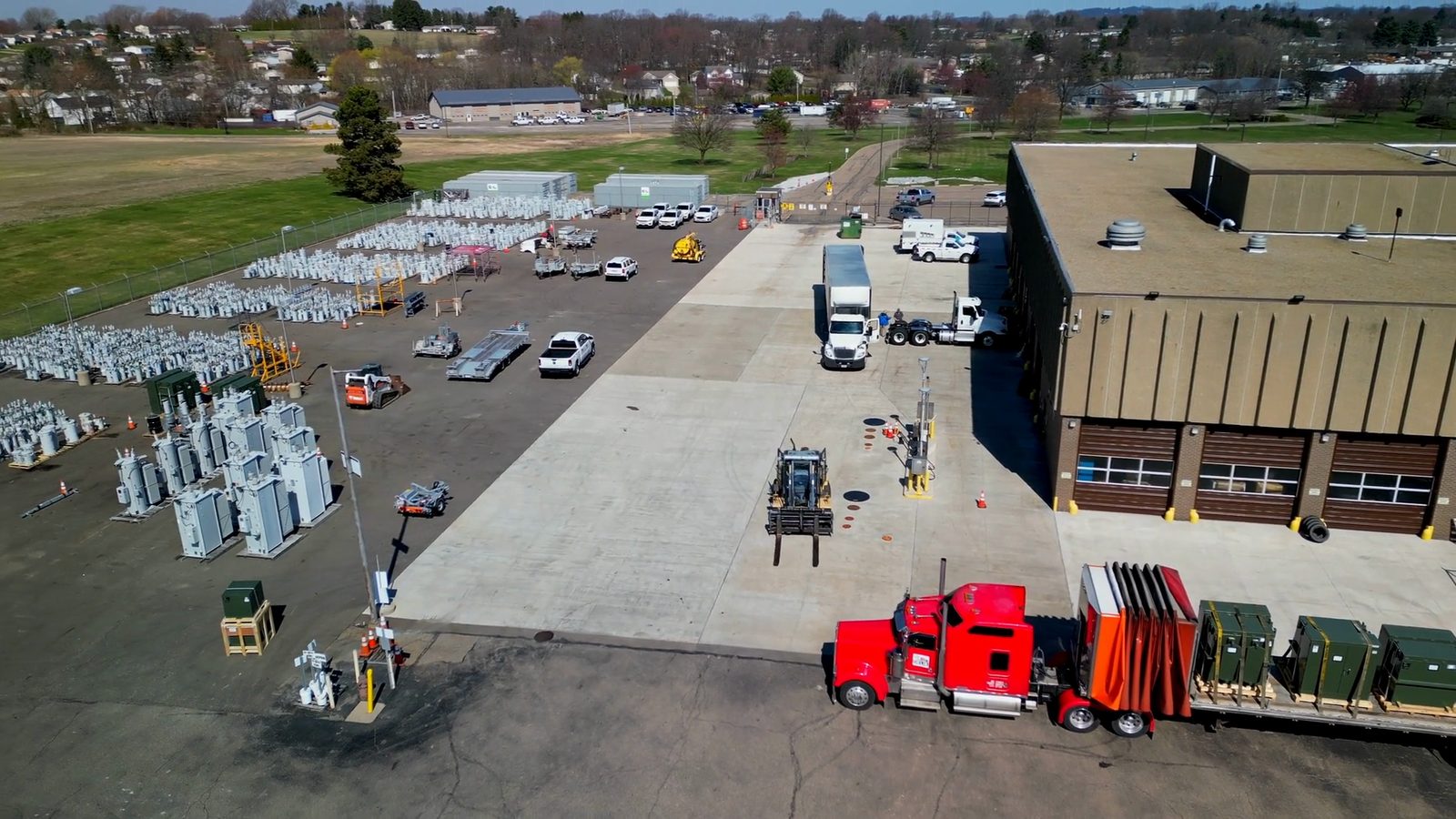
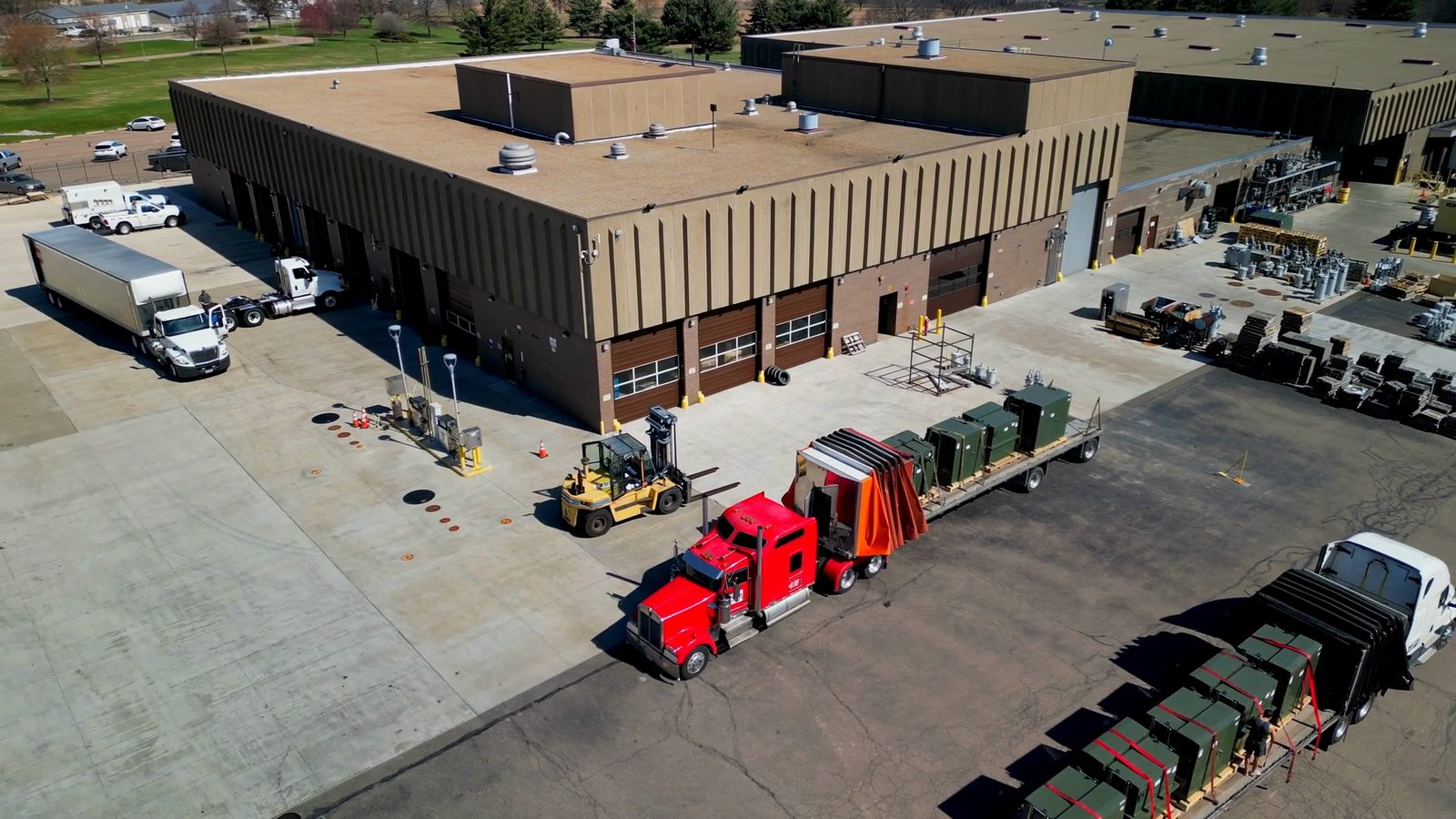
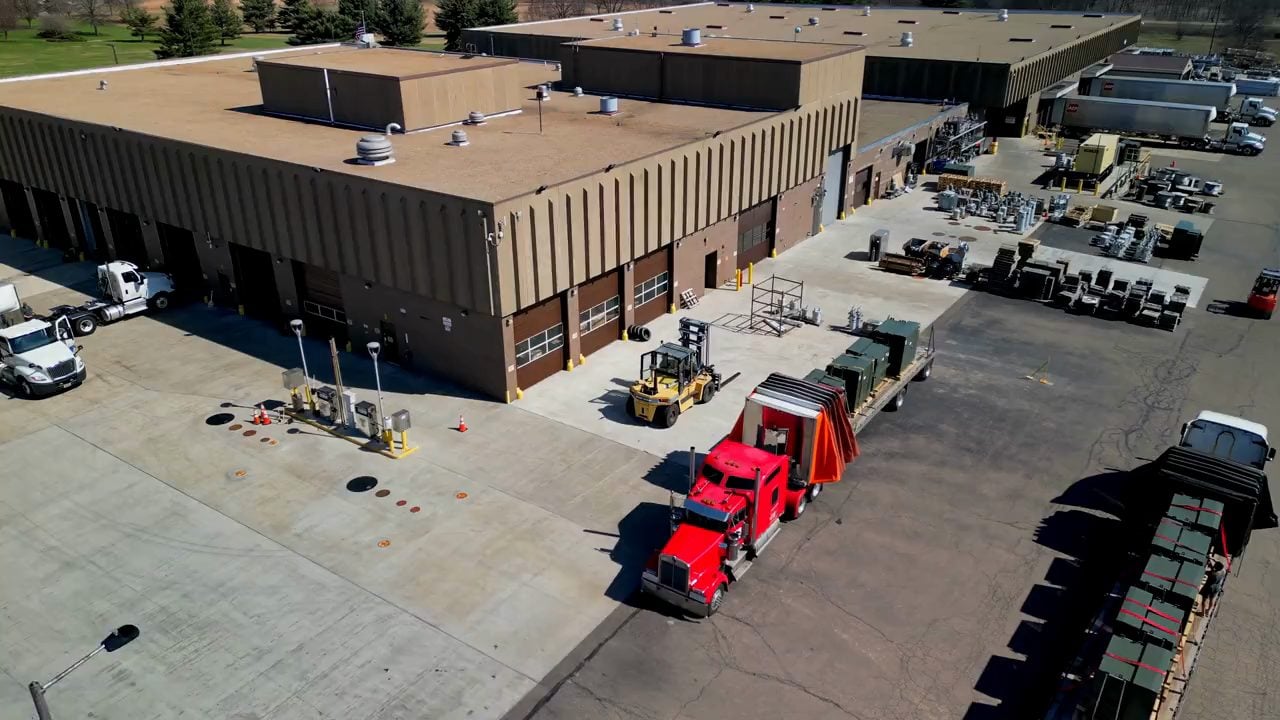
Track truck arrivals, the door each truck docks at, loading progress and waiting time from camera feeds. When a truck docks at the wrong door or loading runs past the planned time, notify the shipping supervisor through AXION.
Trusted by the world’s leading companies.


THE NEED ON THE FLOOR
Move door and time tracking off handwritten lists.
At many sites, which truck waited at which door and for how long is tracked by hand, and waiting times become a point of dispute with carriers. Loading progress can only be seen by walking down to the dock. TIM INSPECT derives this information from dock camera feeds.
- 01
See door status as it happens
The moment a truck arrives at and leaves a door, and whether the door is occupied or free, are detected from the camera feed.
- 02
Follow loading pallet by pallet
The number of pallets loaded and the fill level of the trailer are tracked, and progress is compared with the time in the shipment plan.
- 03
Document times on record
Arrival, waiting and loading times for each truck are recorded with video. Carrier performance is reported from the same records.
EXPLORE THE SITUATION
What happens when things drift from the plan?
Choose a situation to see what the camera picks up at the door, the notification sent to the shipping supervisor and how the record is completed.
Shipment plan · SVK-3127
- Planned door2
- Docked at7
- NotificationShipping supervisor
A truck assigned to door 2 in the shipment plan docks at a different door.
A notification goes to the shipping supervisor’s AXION. The supervisor directs the driver to the planned door.
The door assignment is flagged as a deviation. The notification stays open until the truck is at the right door.
Truck arrivalOn planDoor assignmentWrong doorLoading progressTrackingLoading timeTracking
Notification: “Truck at the wrong door. Planned door: 2.”
HOW IT WORKS
Get the plan. Watch the door. Alert on deviation.
Shipment plan · SVK-3127
- Door4
- Planned time40 min
- Pallets9
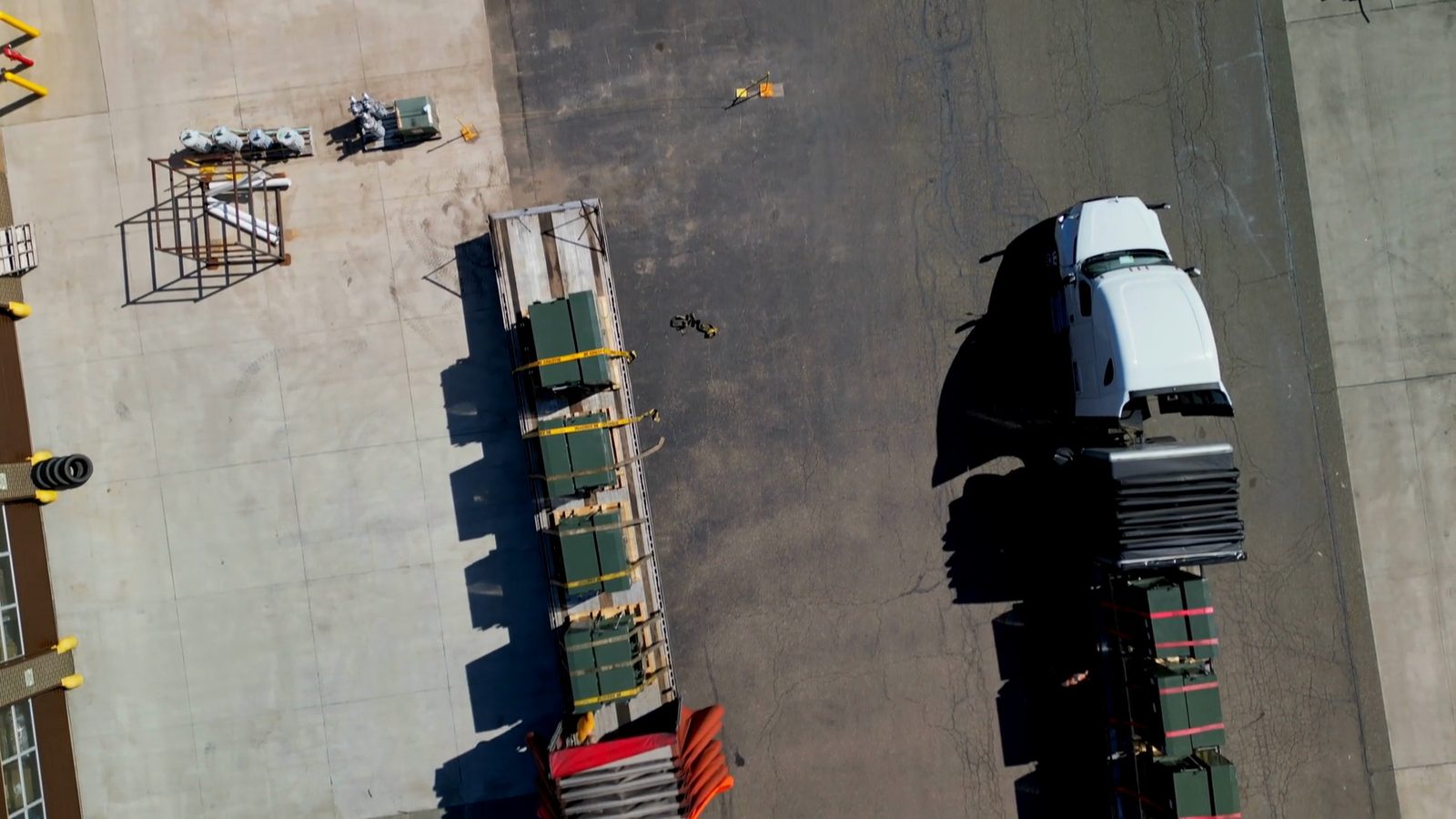
Door 4 · loading
- Loaded4 / 9
- Elapsed18 min
Truck time record · SVK-3127
- Door4
- Waiting18 min
- Loading52 min
- VideoStored
Get the shipment plan
The shipment plan comes from SAP or the warehouse management system: which truck, which door, how much time.
SYSTEM, RECORD AND INTEGRATION
One record from shipment plan to carrier report.
The shipment plan comes from SAP or the warehouse management system and is compared with the arrival, door and loading information seen by the camera. Where cameras are already installed for shipment verification, this scenario can run on the same cameras.
Dock view
Trucks, doors and the loading area seen by dock cameras.
- SourceFixed cameras
- CoverageDoors and docking area
- Components
- Fixed cameras
- TIM INSPECT software
- AXION
- SAP or warehouse management system
Visibility door by door
See whether each door is occupied or free and how far loading has progressed.
Notification on deviation
Send wrong-door and overrun events to the shipping supervisor.
Time records with video
Document waiting and loading times on record.
Review in one record when a truck arrived, how long it waited at which door and how long loading took. Base discussions with carriers about times on records backed by video.
SOLUTION FILM
Cameras watch the doors. AXION tells the supervisor about deviations.
TIM INSPECT · EXPLORE SOLUTIONS
One platform. 35 applications.
Discover the next opportunity on your floor. Choose a solution area or industry and explore each application visually.
 Operational efficiency
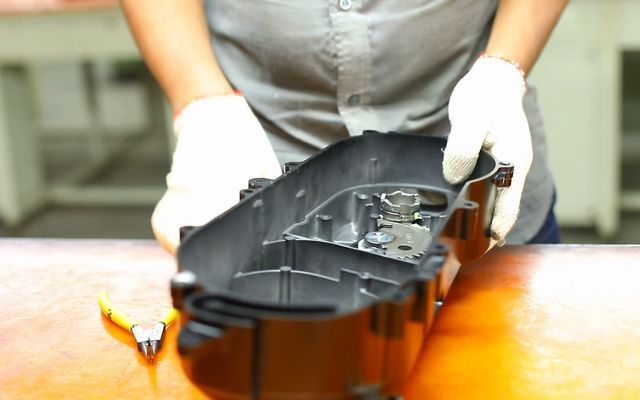
Assembly Sequence Verification
Monitor the defined assembly sequence and flag missed or out-of-order steps.
Automotive · Manufacturing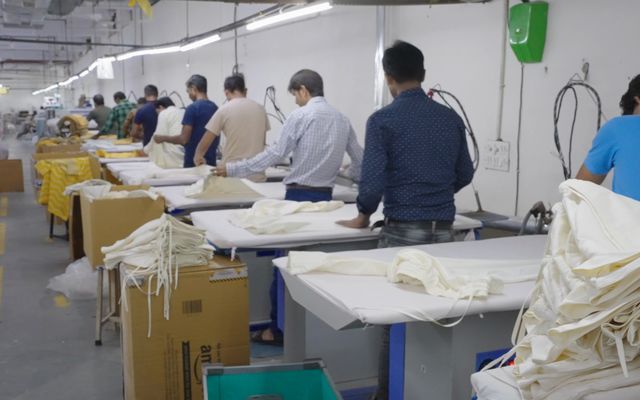 Operational efficiency
Cycle Time & Microstops
Measure station cycles and brief stops from video to reveal deviations in workflow.
Automotive · Manufacturing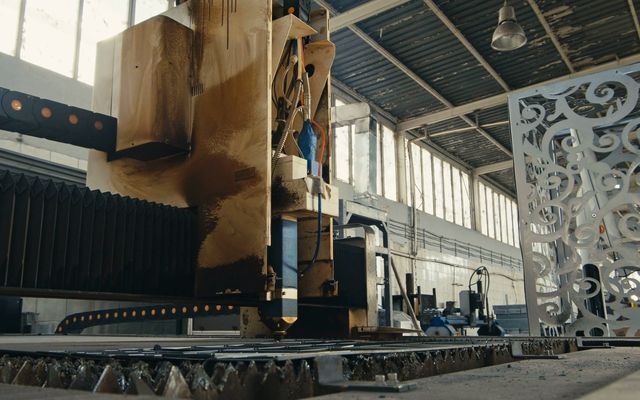 Operational efficiency
Machine Utilization
Assess running and waiting periods visually and notify the relevant team of stops.
Manufacturing · Automotive Operational efficiency
Four-Side Pallet Scanning
Read labels across pallet faces during a pass and match them against the order list.
Logistics & warehousing · Retail & e-commerce · Food & beverage Operational efficiency
Dimensioning
Check carton and pallet dimensions with vision and laser measurement and create a record.
Logistics & warehousing · Retail & e-commerce Operational efficiency
Damage Detection
Document carton, pallet and container damage with photographs at entry and exit points.
Logistics & warehousing · Retail & e-commerce · Manufacturing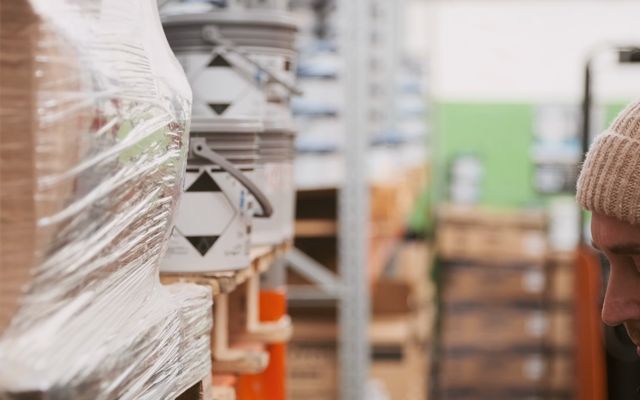 Operational efficiency
Inventory Counting
Read shelf and pallet labels to reveal empty locations and placement mismatches.
Logistics & warehousing · Retail & e-commerce · Manufacturing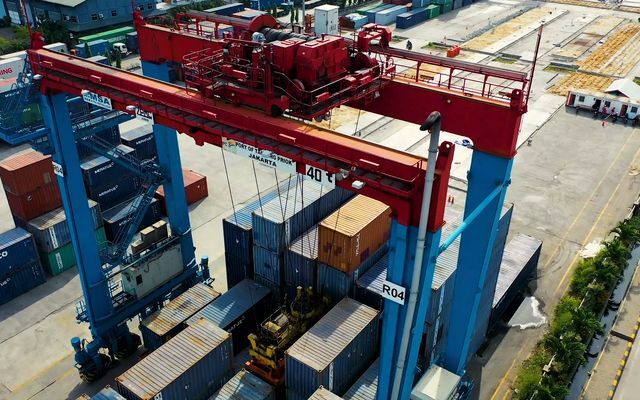 Operational efficiency
License Plate & Container OCR
Read vehicle and container numbers and match them with appointment and shipment records.
Logistics & warehousing · Manufacturing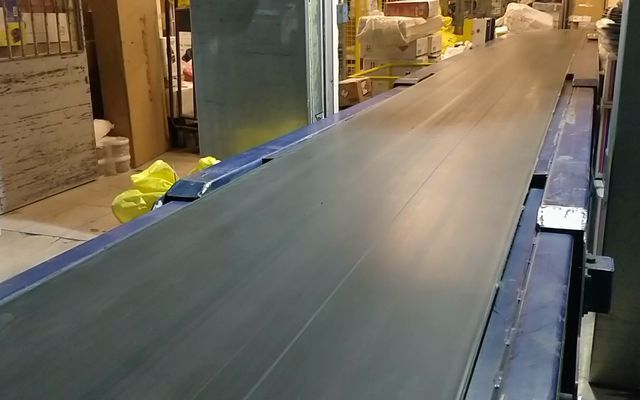 Operational efficiency
Conveyor Jam Detection
Detect conveyor build-ups and jams and notify the person who can respond.
Logistics & warehousing · Manufacturing · Food & beverage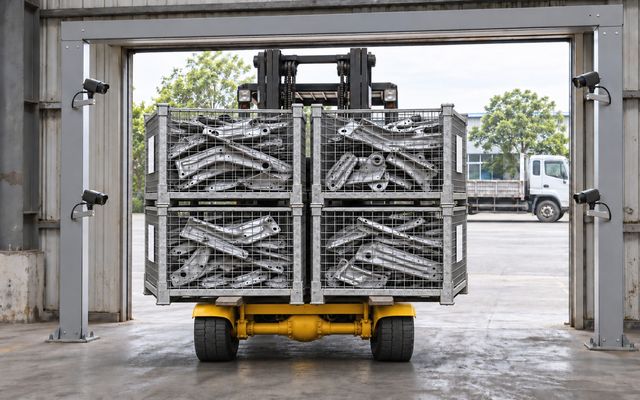 Verification & quality
Shipment & Crate Verification
Count passing crates, read their labels and match the load against the shipment list.
Automotive · Logistics & warehousing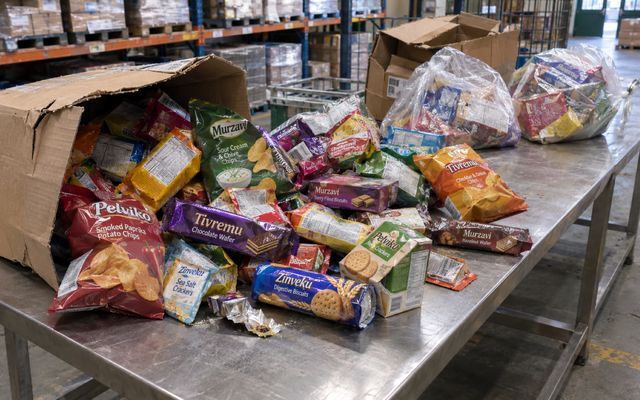 Verification & quality
Returned Product Inspection
Identify returned products and record visual checks of damage, dates and product information.
Food & beverage · Retail & e-commerce · Logistics & warehousing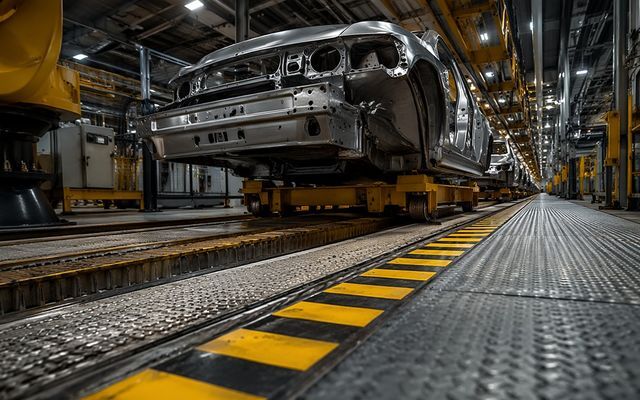 Verification & quality
Voice-Guided Final Inspection
Complete hands-free inspection steps and document findings with voice and photographs.
Automotive · Manufacturing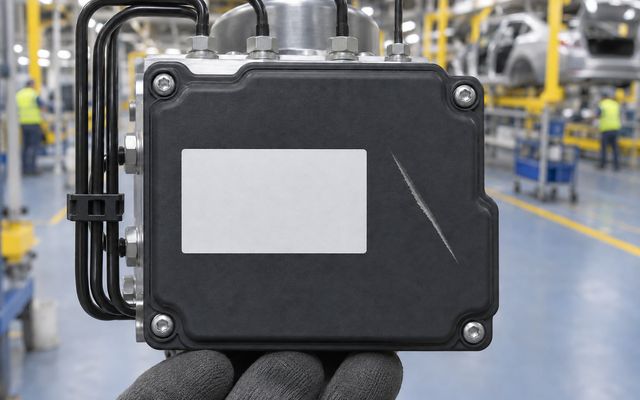 Verification & quality
Assembly Part Verification
Check parts, labels and surfaces during assembly and send the result to production systems.
Automotive · Manufacturing Verification & quality
Cargo Sortation & Pallet Verification
Verify outgoing cargo by checking shipping labels and pallet contents together.
Logistics & warehousing · Aviation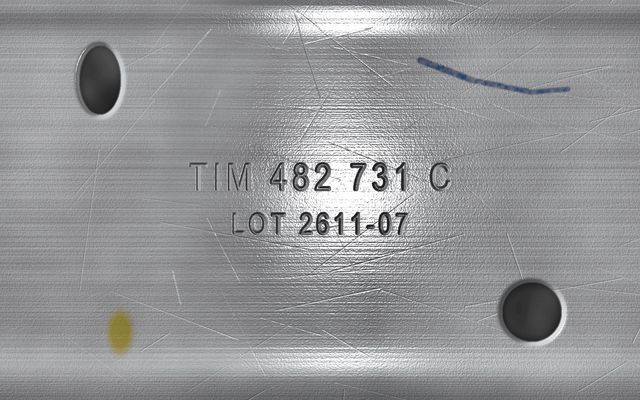 Verification & quality
Metal Part & Label Verification
Match stamped metal-part numbers with crate labels to verify product identity.
Automotive · Manufacturing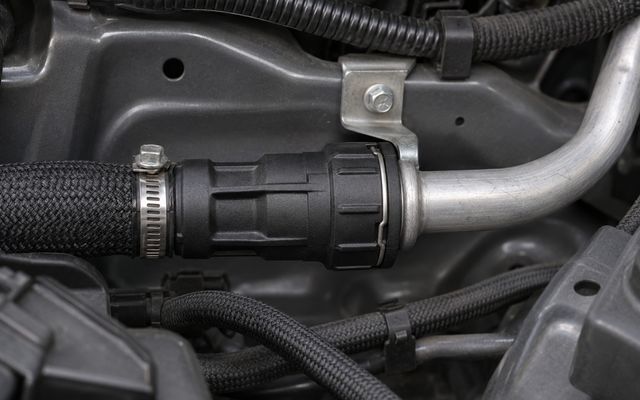 Verification & quality
Quick-Connect Verification
Visually check that assembly quick-connects are fully seated and record the result.
Automotive · Manufacturing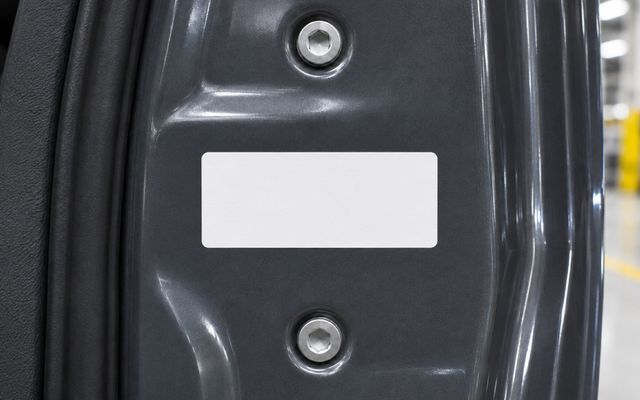 Verification & quality
Vehicle Label Verification
Read vehicle-specific labels with OCR and compare them with expected production data.
Automotive · Manufacturing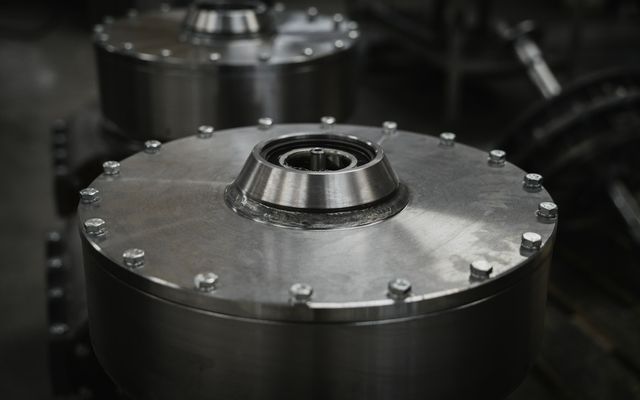 Verification & quality
Component Assembly Inspection
Visually verify the assembly of components such as retaining rings, washers and plugs.
Automotive · Manufacturing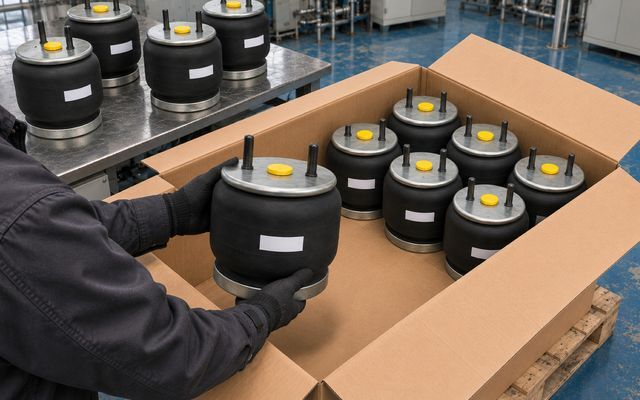 Verification & quality
Product & Carton Verification
Combine product, plug, label and carton-content checks before shipment.
Automotive · Manufacturing · Logistics & warehousing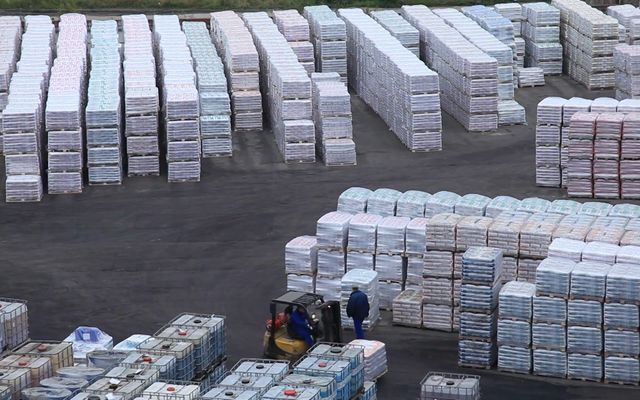 Workplace safety
Forklift–Pedestrian Safety
Analyze risky encounters from camera feeds and alert the people involved through AXION.
Manufacturing · Logistics & warehousing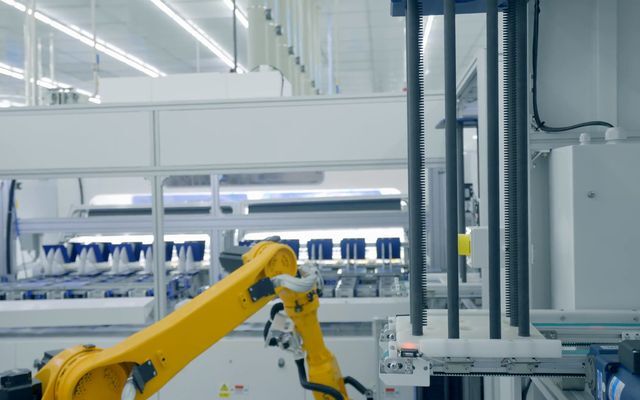 Workplace safety
Restricted-Zone Detection
Detect entry into hazardous areas and alert the worker and responsible team.
Manufacturing · Construction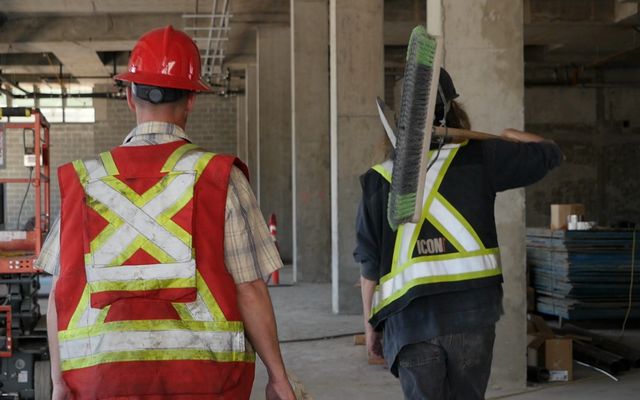 Workplace safety
PPE Detection
Check the use of helmets, vests and other protective equipment in working areas.
Manufacturing · Construction · Logistics & warehousing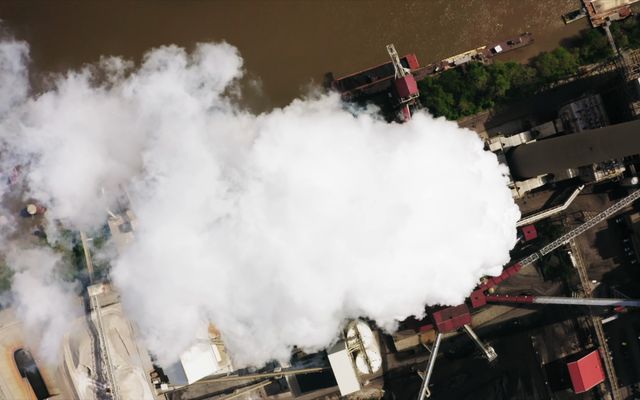 Workplace safety
Fire & Smoke Early Warning
Evaluate visible flame and smoke signs in camera feeds and notify the relevant team.
Manufacturing · Logistics & warehousing · Energy & facilities Workplace safety
Spill & Leak Detection
Detect unexpected liquid accumulation and leaks, and notify teams with location information.
Manufacturing · Food & beverage · Energy & facilities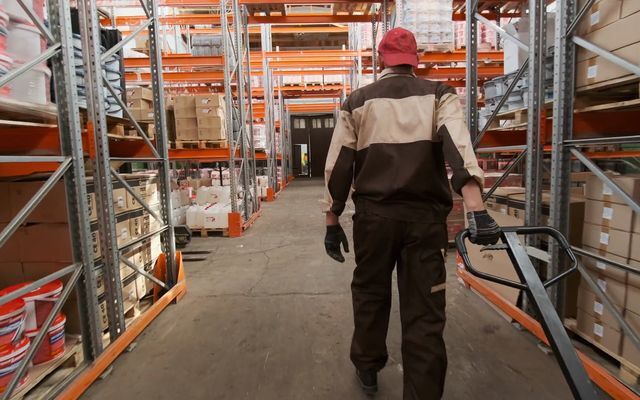 Workplace safety
Fallen or Motionless Person Detection
Detect falls or prolonged inactivity to support the assistance workflow.
Manufacturing · Logistics & warehousing · Energy & facilities Workplace safety
Ergonomics & Posture Analysis
Analyze lifting, bending and reaching movements to make risky postures visible.
Manufacturing · Logistics & warehousing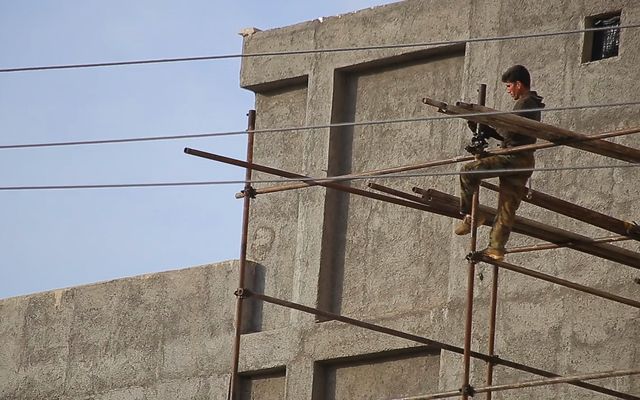 Workplace safety
Working-at-Height Safety
Use visual checks to assess harness attachment, scaffolding and ladder use.
Construction · Energy & facilities · Manufacturing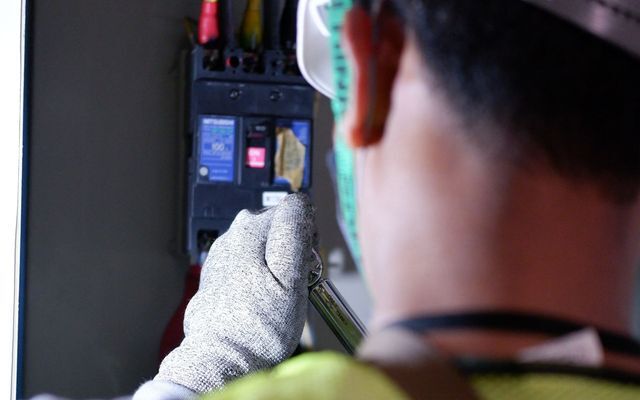 Workplace safety
Lockout/Tagout Verification
Verify isolation steps with photographs to manage checks before maintenance.
Manufacturing · Energy & facilities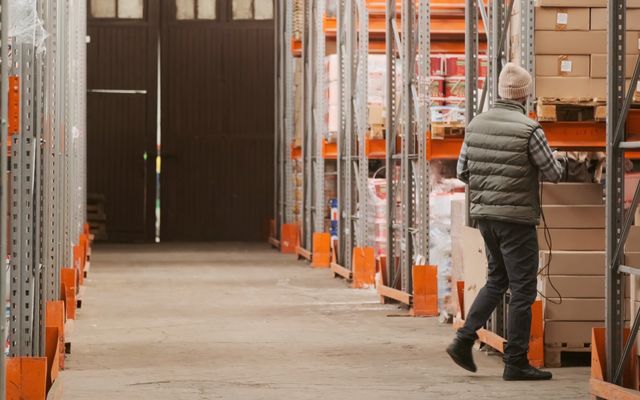 Workplace safety
Emergency Exit & Route Monitoring
Detect obstructions blocking emergency exits and access routes through camera feeds.
Manufacturing · Logistics & warehousing · Retail & e-commerce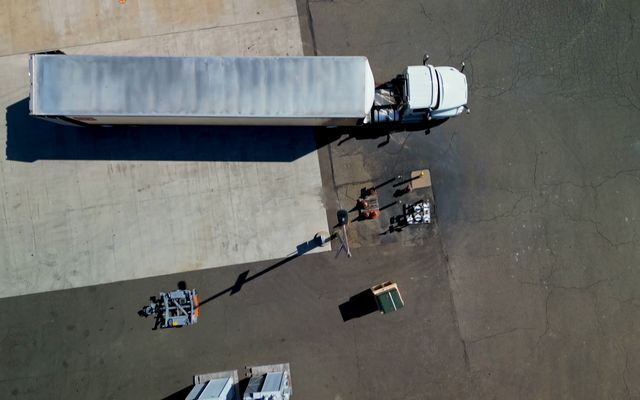 Workplace safety
Loading Dock Safety
Check truck position, wheel chocks and dock conditions to flag risky loading situations.
Logistics & warehousing · Manufacturing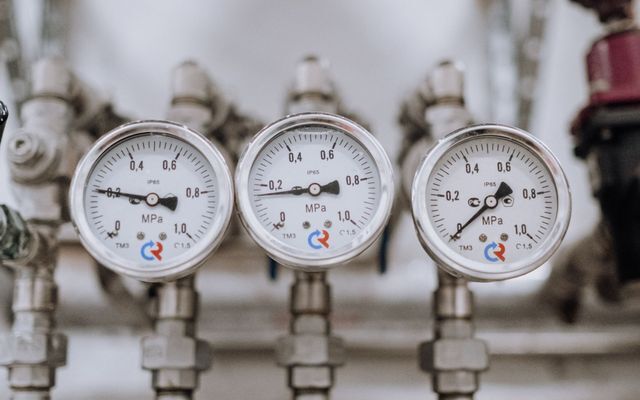 Facility monitoring
Gauge & Meter Reading
Read analog gauges from images, record values and notify teams of threshold exceptions.
Manufacturing · Energy & facilities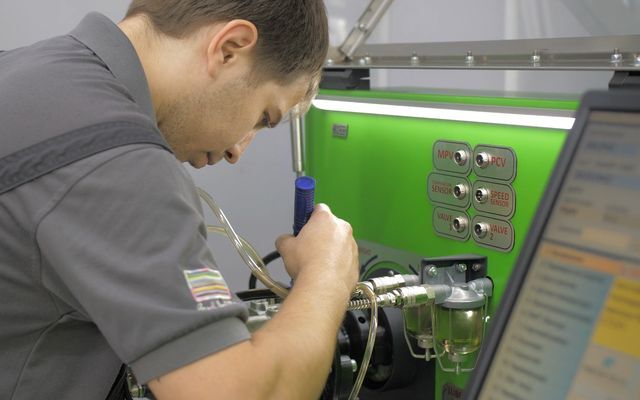 Facility monitoring
Maintenance Rounds
Follow inspection points step by step and document findings with photographs and voice.
Manufacturing · Energy & facilities Facility monitoring
Unauthorized Entry
Monitor designated-area entry and tailgating and notify the security team.
Manufacturing · Logistics & warehousing · Retail & e-commerce Facility monitoring
Environmental Monitoring
Monitor visible emissions, dust and waste-sorting conditions through camera feeds.
Manufacturing · Energy & facilitiesFAQ
Questions, answered
Dock & Door Monitoring is an operational efficiency solution on Thread In Motion’s TIM INSPECT platform that checks truck arrivals, door use and loading progress on dock camera feeds against the shipment plan. Wrong doors and overruns reach the shipping supervisor’s AXION; each truck’s times are recorded with video.
With TIM INSPECT, Dock & Door Monitoring works in four steps: 1) Get the shipment plan: The shipment plan comes from SAP or the warehouse management system: which truck, which door, how much time. 2) Track arrival and loading: The camera detects the truck’s arrival and the door it docks at. Loading progress is tracked pallet by pallet. 3) Alert the supervisor: If the truck is at the wrong door or loading runs past the planned time, a notification goes to the shipping supervisor’s AXION. 4) Record the times: Arrival, waiting and loading times for each truck are recorded with video and feed the carrier performance report.
Components used: fixed cameras, TIM INSPECT software, AXION and SAP or warehouse management system. The shipment plan comes from SAP or the warehouse management system and is compared with the arrival, door and loading information seen by the camera. Where cameras are already installed for shipment verification, this scenario can run on the same cameras.
At sites with a shipment verification setup, dock and door monitoring can run on the same cameras. How well the cameras cover the doors and the docking area is reviewed together before installation.
The shipment plan comes from SAP or the warehouse management system. Which truck is planned for which door and for how long comes from that system, and what the camera sees is compared with it. The integration scope is agreed before installation.
The camera tracks the number of pallets loaded and the fill level of the trailer. What can be seen and in how much detail depends on the camera angle and the way trucks are loaded, so the scope is defined together on site before the pilot.
The system monitors zones and behavior, not who the person is. Images are filtered and only the event moment is stored. Privacy is designed in from the start in line with KVKK and GDPR requirements.
This page describes a solution scenario and does not include proven result figures. The metrics to track in a pilot, such as waiting time or door use, are defined together with you at the very start.
YOUR SITE
Let’s make the flow at your doors visible together.
Let’s review your number of doors, the system your shipment plan comes from and your existing cameras, then set the pilot scope and the metrics to track from the start.